Read anything, beautifully
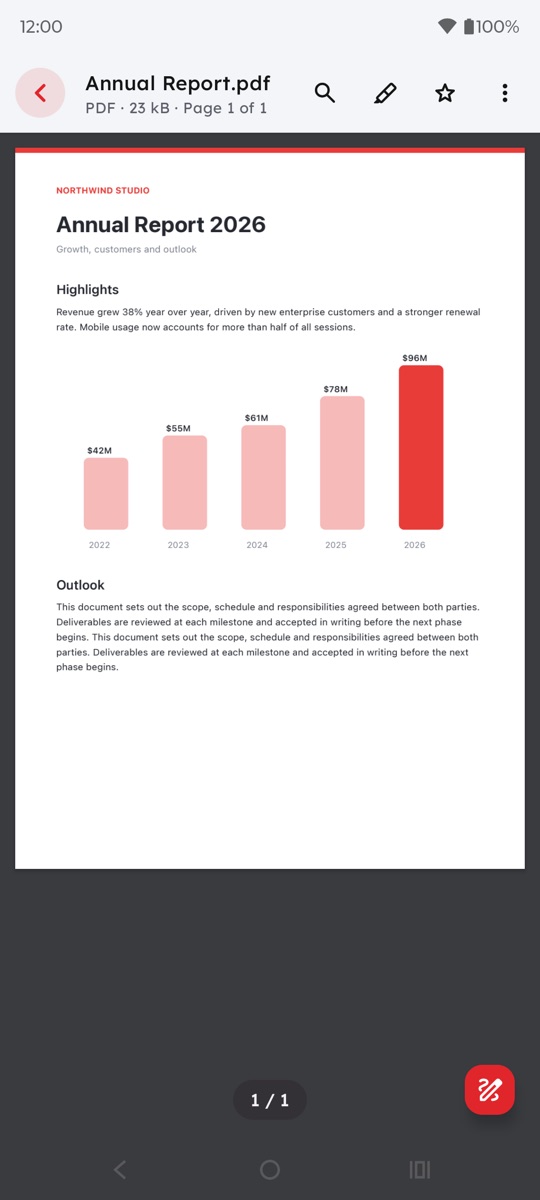
Smooth PDF viewer with zoom, page counter, find in document and print. Word, Excel and PowerPoint files open in the same reader, with night mode, vertical or horizontal paging, and your last page remembered.
Open PDF, Word, Excel and PowerPoint files, plus TXT and RTF, in one fast app for Android, iPhone and iPad. Scan paper to PDF, fill in and sign forms, merge and split files, and pull text from photos, without anything leaving your device.
Opens every format, right in the app
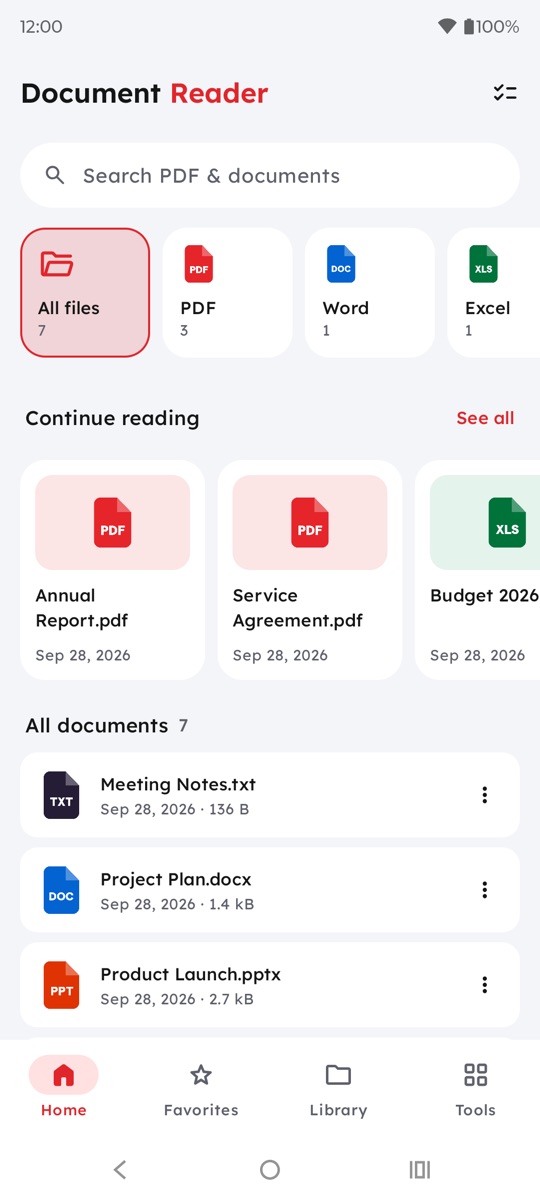
The documents you get from work, school and chats, all in one list, all opening instantly.
Smooth PDF viewer with zoom, page counter, find in document and print. Word, Excel and PowerPoint files open in the same reader, with night mode, vertical or horizontal paging, and your last page remembered.
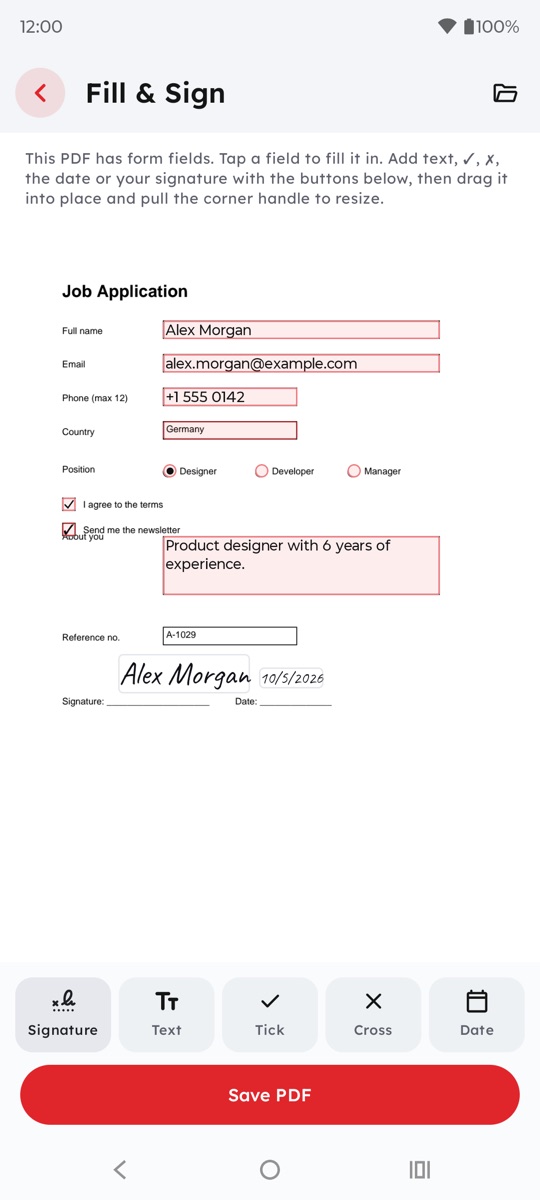
Type into form fields, tick boxes, add text and the date anywhere, then draw or type your signature.
Automatic edge detection and cleanup turn receipts, forms and notes into crisp PDFs.
Search by name, filter by format, star favorites, sort files into folders and tags, and share, rename or delete several at once.
Pull editable text out of photos, scans and scanned PDFs, then copy or share it.
Every tool runs on your device. The app has no internet access of its own, no sign-up, no ads and no tracking. Read the privacy policy.
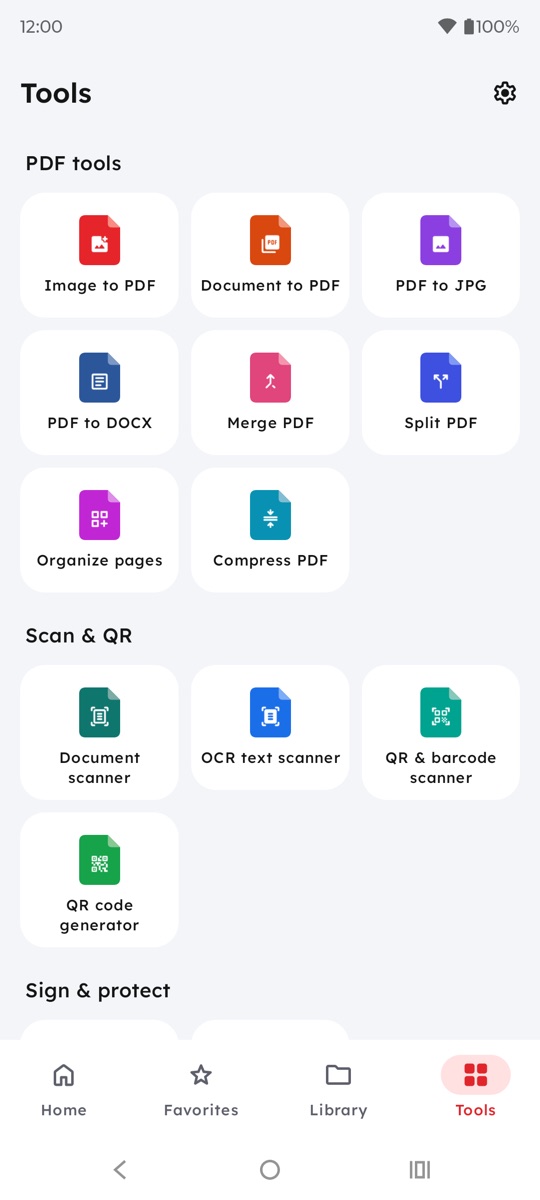
Convert, compress, organize, scan, sign and protect documents without a computer or an upload.
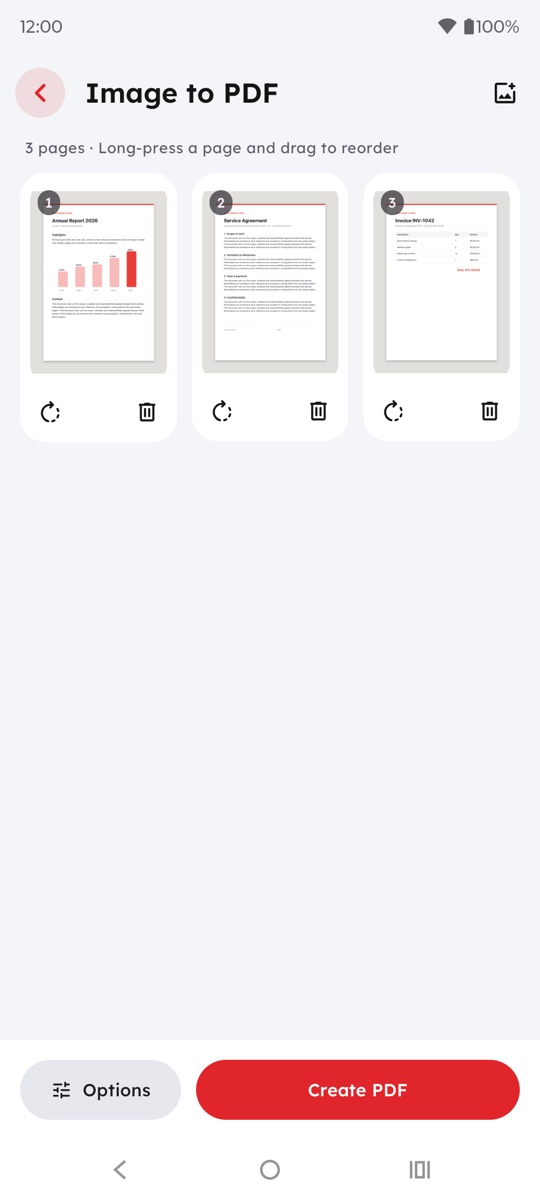
JPG, PNG or HEIC photos into one PDF; reorder and rotate pages.
Save pages as JPG or PNG images.
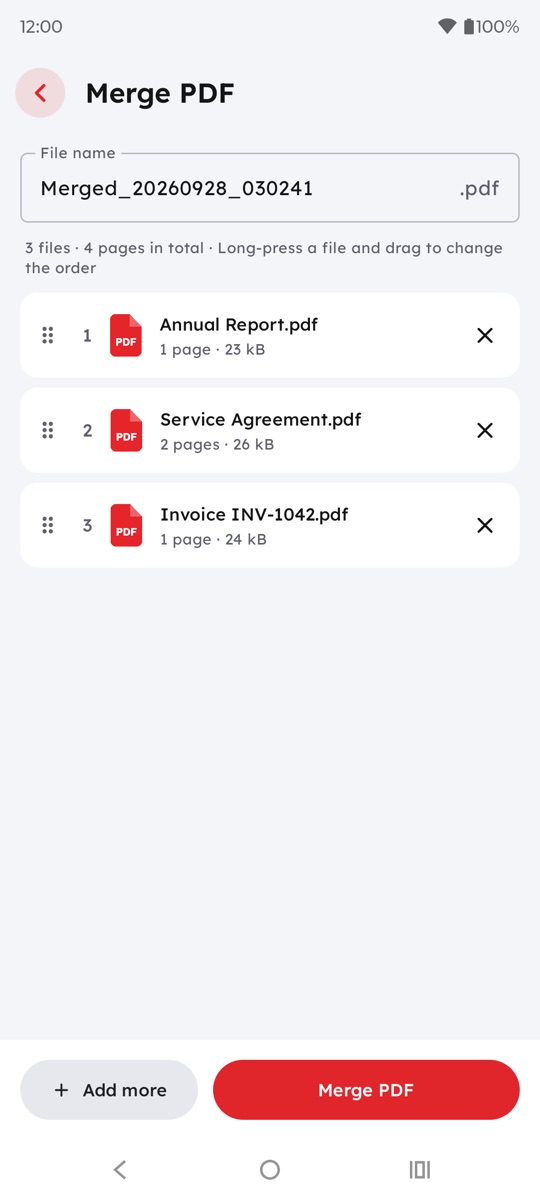
Combine several PDF files into one, in the order you choose.
Extract pages, split by ranges or every N pages.
Turn DOCX, XLSX, PPTX, RTF and TXT files into PDFs.
Editable documents with headings and bold kept; scanned pages read with OCR.
Drag to reorder, rotate, delete or extract pages.
Make PDFs smaller for email and upload; text stays sharp.
Camera scanning with edge detection and cleanup.
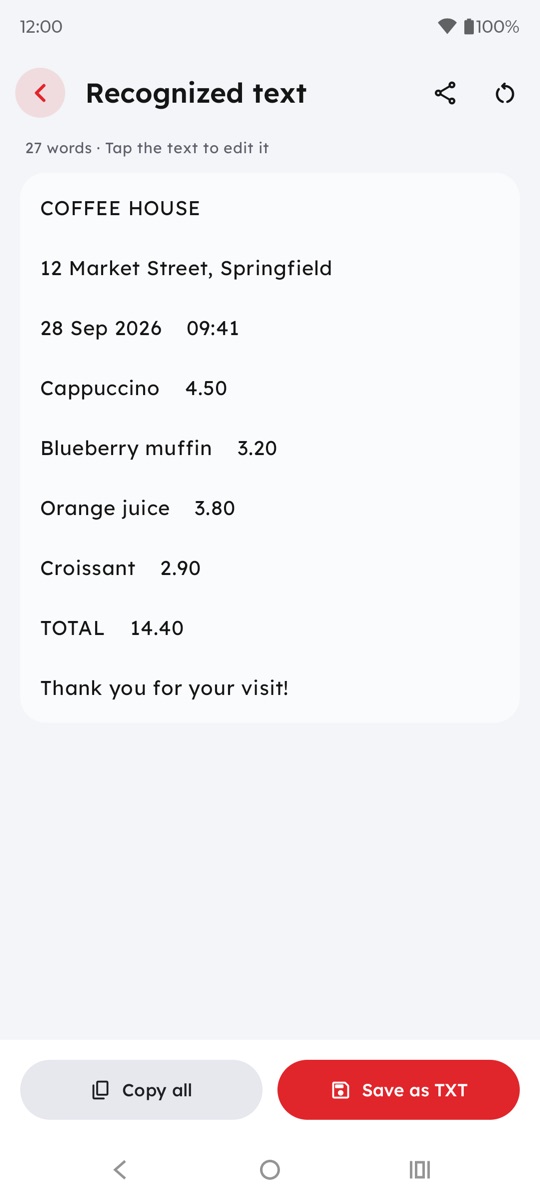
Turn scans, photos and scanned PDFs into editable text.
Links, Wi-Fi, contacts, product codes and more, from the camera or an image.
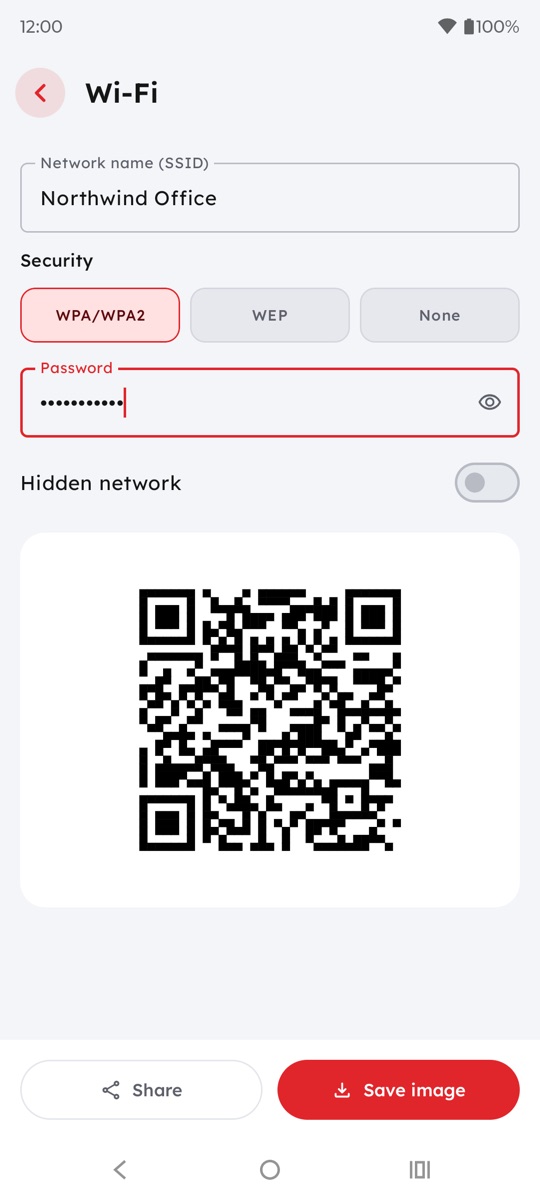
Create QR codes for links, text, vCards, Wi-Fi, email and more.
Fill in form fields, add text, ticks and the date, then sign.
Protect a PDF with a password, or remove one you know.
Real screens: light, fast and made for one-handed use.
No ads in either version. Prices are shown in the app, in your currency.
Everything you need to read and manage documents.
For people who work with documents every day.
Subscriptions renew automatically until cancelled; cancel anytime in Google Play or in your Apple Account settings. See the terms of use.
PDF, Word (DOCX), Excel (XLSX), PowerPoint (PPTX), TXT and RTF open inside the app. Older Office 97–2003 files (DOC, XLS, PPT) open in the app too, with their text and values.
On Android, the app asks for file access so it can find documents anywhere on your phone, including Downloads and messaging-app folders, and show them in one list. Everything is read on the device, nothing is uploaded, and you can turn access off at any time in Android settings. On iPhone and iPad there is no such permission: the app shows the files you add to it with Import files, the Files app or Share.
Yes. On Android, tap the file, choose "Open with" and pick Document Reader. On iPhone and iPad, tap Share and choose Document Reader. It opens straight in the reader.
Fill & Sign adds an image of your drawn or typed signature to the page, an electronic signature. It isn't a certificate-based digital signature, so whether it's accepted depends on who receives the document.
Completely. The app needs no internet connection, and every tool runs on your device. Only buying or restoring Pro talks to Google Play or the App Store.
Yes. Reading, annotating, filling in forms and the everyday tools (merge, split, organize, compress, image to PDF, the document scanner, PDF to JPG and both QR tools) are free with no daily limits and no ads, and PDF to DOCX is free for 2 files a day. Pro is optional: it unlocks OCR, unlimited PDF to DOCX, signatures in Fill & Sign, Lock PDF and strong compression.
On Android, open Google Play, go to Payments & subscriptions › Subscriptions, and cancel. On iPhone and iPad, open Settings › your name › Subscriptions, or tap the Pro card in the app's Settings, and cancel. Pro stays active until the end of the period you paid for. Refunds are handled by Google Play or Apple.
Questions, a file that won't open, a purchase that needs restoring, or an idea for the app: email envolix.co@gmail.com and we'll reply as soon as we can, usually within two working days.
Please tell us your device (Android phone, iPhone or iPad), the app version from Settings, and what happened. Don't send documents with personal data unless we ask for one to reproduce a problem.
Pro purchases are processed by Google Play or the App Store. To restore Pro on a new device, open Settings (the gear on the Tools tab), tap Upgrade on the Pro card, then tap Restore at the top of the Pro screen.
Want to try the app first? Download our sample files: a fillable PDF form, a report, and Word, Excel and PowerPoint files.
Download Document Reader and open your first file in seconds. No account, no ads.